Workspace
Prompt to design. Review the diff. Accept or reject.
Tell it what you need. It writes the code.
Type a natural-language prompt and the Agent generates LCD code that compiles to parametric geometry. You review every change before it lands.
2D plan and 3D model in one view
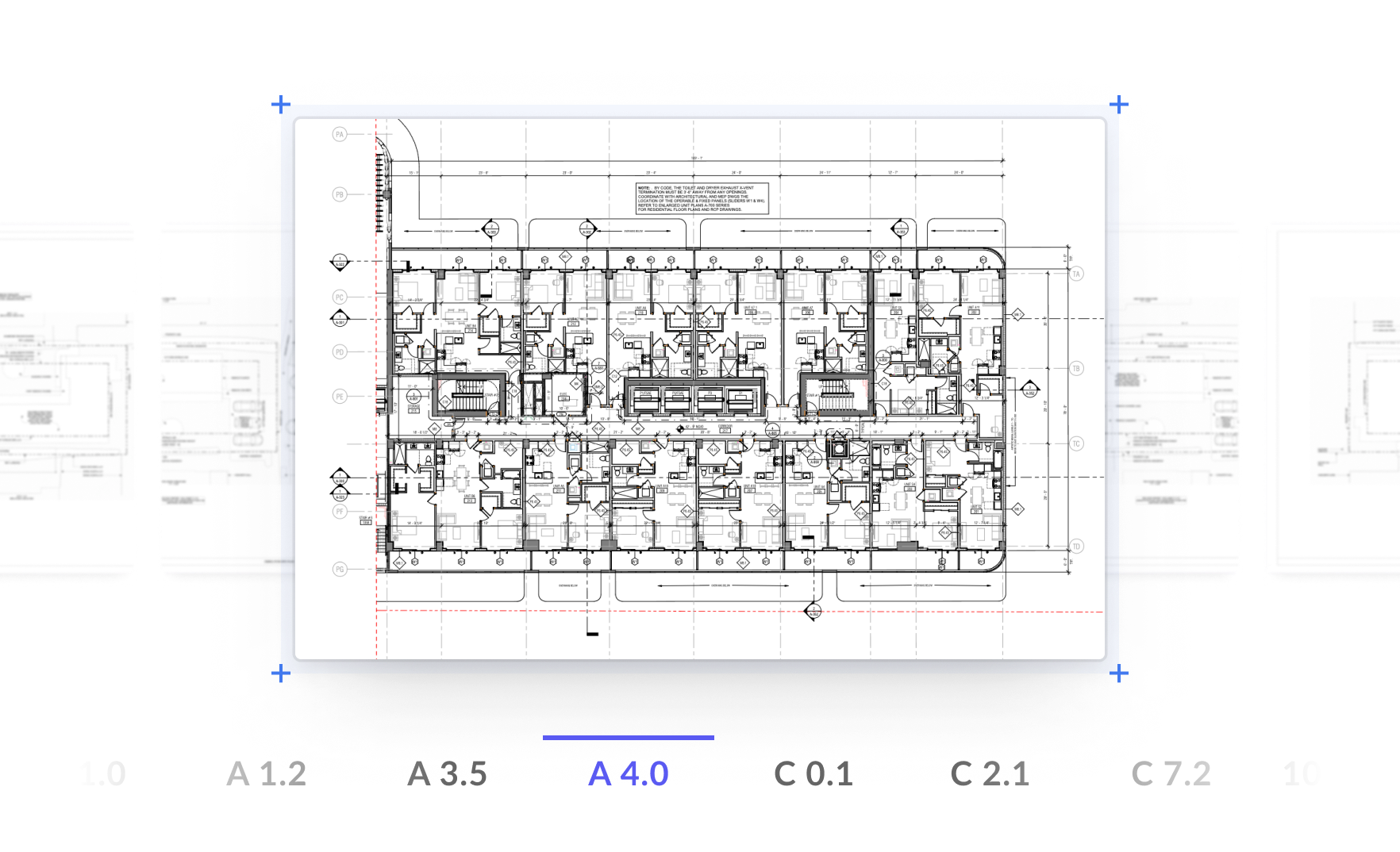
Plan view, 3D perspective, and cross-section from a single parametric model. One geometry kernel, one source of truth.
Code that reads like a spec
LCD is a domain-specific language for construction geometry. Write it by hand, or let the Agent write it from a prompt.
Plan Mode vs Edit Mode
Plan Mode
The Agent reads the brief, analyzes room geometry, checks the knowledge base, and proposes a step-by-step layout plan. Nothing changes until you approve.
Edit Mode
The Agent writes LCD code directly. Every line enters the review queue as a ChangeEntry. Accept, reject, or revert — granular control over every modification.
Prompt → Code → Geometry → Drawing
Describe
Tell the Agent what you need in natural language.
Generate
Agent writes LCD code. You review the diff.
Validate
Rules engine checks spacing, clearance, coverage.
Export
DXF, STEP, PDF, SVG — ready for submission.